Tooling for manipulating the Delft Municipal Data Model
This package contains tooling to manipulate the database of the Delft Municipal Data Model (Dutch: Gemeentelijk Gegevensmodel, abbreviated GGM). It can be used to design exchanges with third parties, to drive the migration to MIM, or to generate JSON-LD or database schemas. The tooling exploits the fact that the GGM is held in Sparx Enterprise Architect, where the GGM repository is maintained in SQLite. Data can be read from and manipulated in this SQLite database, and the database itself can be modified.
The tooling is based on Jupyter Notebooks and Python.
Getting started
Make sure you have Docker and Docker Compose installed. The project is built on top of the Docker Jupyter Minimal Notebook. To work with the Jupyter notebooks you need to have downloaded the entire Municipal Information Model repository. The notebooks query the EA 16 version of the GGM directly.
Start the container
From the root of your GGM download, go to the tools subdirectory. Start the Jupyter container with docker compose up:
$ docker-compose up
Access the notebooks
The Jupyter notebooks are now available at http://localhost:8888/. The input and output directories under tools are mounted into the container and visible from the notebooks.
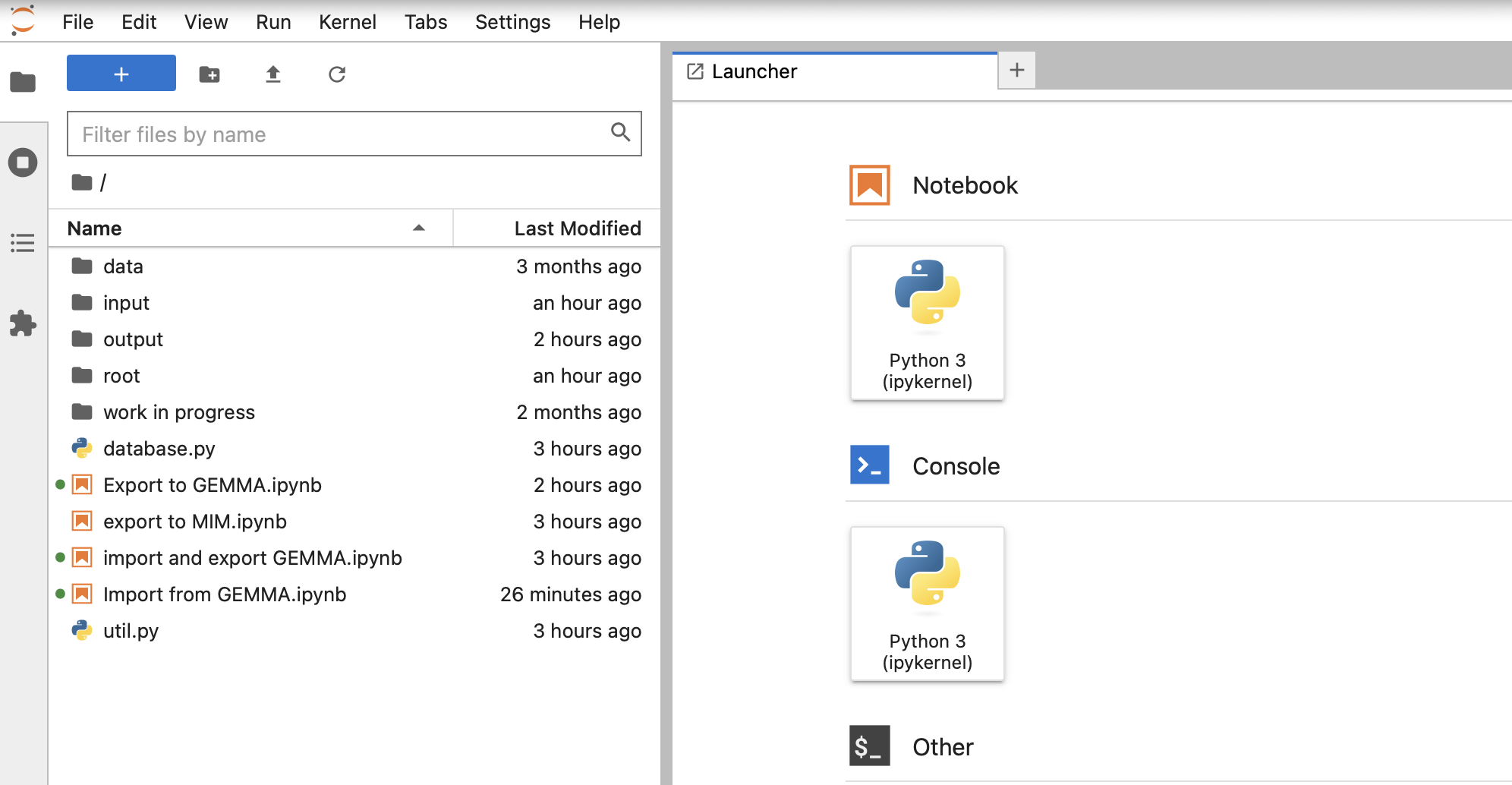
Screenshot (in Dutch): Jupyter Lab showing the mounted "input" and "output" folders in the file browser.
Using the notebooks
The current toolset contains the following notebooks:
- Import from GEMMA — part of the entity exchange with GEMMA. Used to import exports from GEMMA.
- Export to GEMMA — part of the entity exchange with GEMMA. Used to produce exports that can be imported into GEMMA.
- Export to MIM — work in progress. For converting the GGM to MIM.